Page Builder vs Theme Builder: the WordPress Distinction That Decides What You Can Change
A page builder designs the pages you make. A theme builder designs the hundreds your site generates — archives, single posts, product pages, the 404. Which you need, why WordPress already ships one, and the lock-in nobody mentions.
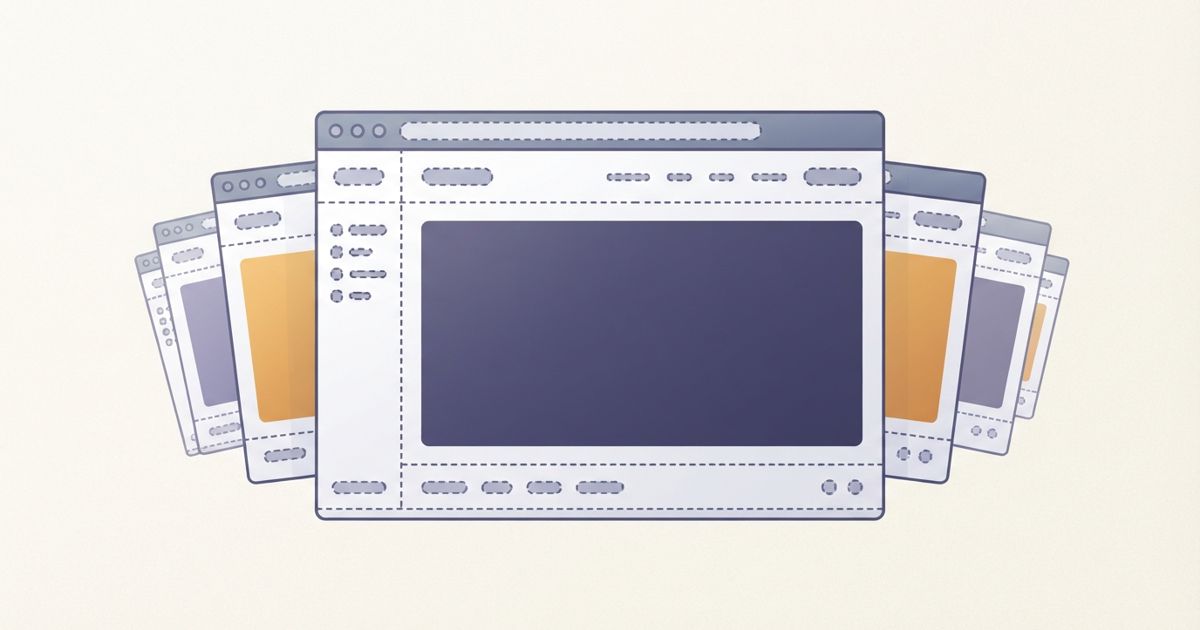
Table of contents
You buy a page builder, design a genuinely good homepage, and then discover you can't change the header. Or the blog archive still looks like the theme's default while every page you built looks like your brand. Or the 404 page is a stranger.
This isn't a limitation of your builder. It's that page builders and theme builders are different tools, the words get used interchangeably, and the difference decides what parts of your site you can actually control.
The distinction in one line
- A page builder designs the content area of an individual page.
- A theme builder designs the templates that wrap every page — and the pages you never create by hand.
Your theme decides the header, the footer, what a blog archive looks like, how a single post is laid out, the product page layout, search results, and the 404. A page builder doesn't touch any of that. It fills in the middle.
That's why the frustration above is so common: people buy the tool that formats one page, then need the tool that formats the other several hundred.
The pages you never create
The clearest way to see why this matters is to count. On a small business site you might hand-build eight pages. But your site also serves:
- Every blog post, using the single-post template
- The blog index, and every category and tag archive
- The author archive, and date archives
- Search results
- The 404 page
- On WooCommerce: every product page, the shop grid, every product category
Nobody builds those individually — they're generated from templates. A page builder alone gives you control of the eight pages and none of the hundreds. For a content site or a shop, that's backwards: the templated pages are where most of your traffic lands.
If most of your traffic arrives on blog posts from search, the single-post template is the most important design surface on your site, and it's precisely the one a page builder can't reach. That matters for how your content actually gets read and indexed — a theme we picked up in why AI crawlers skip badly built WordPress sites.
WordPress already ships one — sort of
Here's the part that changes the buying decision, and that vendor comparisons tend to skip.
WordPress core now includes a theme builder. The Site Editor, introduced with block themes, lets you edit headers, footers, archives, single-post templates and the 404 from within WordPress, with no plugin. If you're running a block theme, you have a theme builder already.
So the honest question isn't "do I need a theme builder" — it's "is the one I already have good enough for this project?" For many sites it is, and that's the cheapest possible answer.
Where a plugin theme builder still wins:
- You're on a classic (non-block) theme, where the Site Editor isn't available at all.
- You want one editing model across the whole site. Building pages in one interface and templates in another is a real workflow tax, especially for a team.
- Conditional templates. "This layout for posts in this category, that layout for products under this price" is where plugin theme builders are still substantially ahead of core.
- Dynamic content from custom fields — pulling ACF or similar into templates with visual controls rather than code.
- You already own it. If your builder includes a theme builder, using it costs nothing extra.
Divi, Elementor Pro, Bricks and Beaver Themer all include theme builders. Most free page builder tiers do not — that's frequently the feature the paid tier exists to sell, and it's worth knowing that's what you're actually buying.
How to decide
Work out which of these you are:
A page builder is enough if your site is a handful of marketing or landing pages, you rarely publish, and the theme's defaults for the few blog posts you have are acceptable. Don't buy capability you won't use. Our page builder comparison covers that choice.
You need a theme builder if you publish regularly, run a shop, or have any templated content at all — and especially if a designer has given you a look that has to hold across post listings, product pages and search results, not just the homepage.
Core's Site Editor may already do it if you're on a modern block theme and your template needs are straightforward. Try it before you spend anything; it costs an afternoon to find out.
The trade-offs nobody mentions in the sales page
Before you commit, three things worth knowing:
- Lock-in is real, and it's bigger with theme builders than page builders. Templates built in a plugin live in that plugin's data. Deactivate it and you don't lose one page — you lose the header, footer, archive and post layouts across the entire site at once. Page builder content usually degrades to messy-but-present HTML; theme templates tend to vanish back to the parent theme's defaults.
- Rendering cost. Every templated page now runs the builder's rendering layer. On a single landing page that's invisible. On an archive listing twenty posts, plus a cached-out logged-in view, it adds up — which is why we keep pointing at caching and CDN setup and at what actually causes random slowdowns.
- You still need the SEO plumbing. A theme builder controls layout, not titles, schema or sitemaps. Those are a separate job — see our look at SureRank and the current WordPress SEO plugin landscape.
Bottom line
If you've ever been annoyed that you could design a page beautifully but not the header above it, you were running into the page builder / theme builder line without anyone naming it.
Page builder = the pages you make. Theme builder = the pages your site makes for you. Content sites and shops need the second one, because that's where most of their pages live. Check whether your block theme's Site Editor already covers you, and if it doesn't, check whether the builder you already own includes a theme builder before buying anything new.