Total Cleaner Review: A Tidy PC and Phone Cleaner With a $99 Second Year
Total Cleaner is the tune-up tool from the makers of TotalAV: DeepClean, startup optimiser, secure deletion and phone storage apps. It does little Windows cannot, but it does it on a schedule. What it removes, how it compares with System Mechanic and MyCleanPC, and the renewal to manage.

Table of contents
Total Cleaner is the tune-up utility from Total Security Ltd, the company behind TotalAV, and it exists because the cleanup tools inside the antivirus turned out to be the feature people used most. It is sold on its own for Windows, with companion apps for Android and iOS and the Mac functions delivered inside the TotalAV app. This review looks at what it actually removes, how it compares with doing the job in Windows Settings, what it costs after the first year, and the billing habits of its publisher that you need to know before you subscribe.
What Total Cleaner does
On a Windows PC (Windows 7 and later) the main tools are:
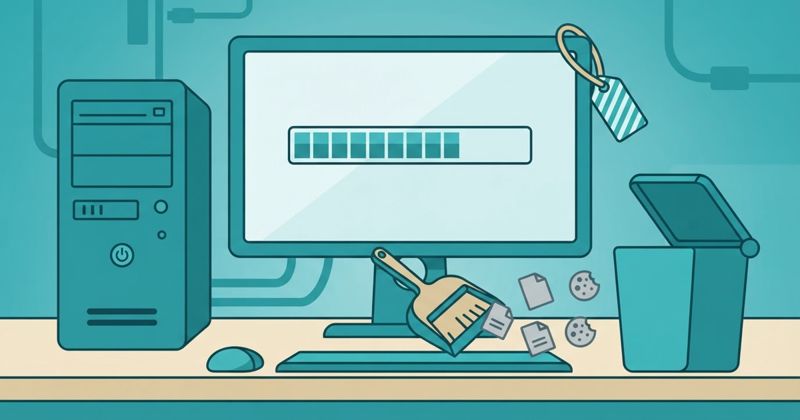
- DeepClean: removes junk files, broken shortcuts and hidden caches.
- Registry Cleanup and Internet File Cleanup: clears temporary internet files and orphaned registry entries.
- Startup Optimiser and Memory Mechanic: trims the startup list to reduce boot time and frees RAM.
- LiveBoost: prioritises the foreground program.
- Incinerator: secure file deletion.
- Software uninstall and registry repair.
- Real-time device health monitoring and, oddly for a cleaner, dark web monitoring of your email address.
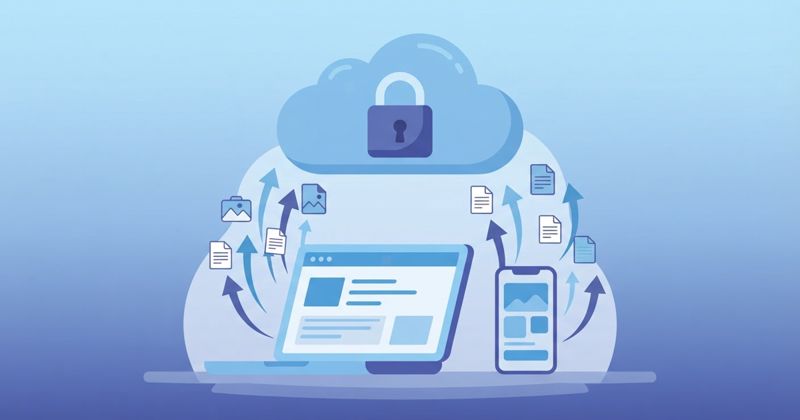
On Android (6.0+) and iOS (15.0+) the apps focus on storage: junk-file cleanup, duplicate photo cleanup, a duplicate contact finder and a view of what is using space. On a Mac the cleaner lives inside TotalAV rather than as a separate app.
DeepClean, LiveBoost, Incinerator and Registry Repair are Windows-only.
Does it do anything Windows cannot?
Mostly no, and we would rather say so up front. Storage Sense clears temporary files on a schedule. Task Manager's Startup tab disables launch items. Settings > Apps uninstalls software. Registry cleaning has had no measurable effect on Windows performance since Windows 7, and we treat that module as harmless rather than useful.
What Total Cleaner adds is a single dashboard, scheduling, a counter that makes the result visible, and secure deletion, which Windows still lacks as a built-in. For a confident user that is not worth a subscription. For a household with three PCs and nobody who opens Settings, a tool that runs on a schedule and shows "4.2 GB cleaned" is the difference between maintenance happening and not happening.
The phone apps are more useful than the PC one, because duplicate photo cleanup on a full phone is a genuine job that iOS and Android still do badly.
Pricing and renewal
Total Security prices every product the same way: a low introductory price for first-time customers, then a regular rate. At the time of writing the US offer is $19 for the first year of Total Cleaner Plus and a regular rate of $99 a year thereafter. Monthly, quarterly and biannual billing also exist and all plans auto-renew.
Refunds are 30 days on annual and biannual plans, 14 days on monthly, quarterly and add-ons. You must fully terminate the subscription in the account dashboard; switching off auto-renew alone does not qualify.
Two things to know before buying. First, if you own a paid TotalAV plan, the cleanup tools are already inside it, and a separate Total Cleaner subscription is a second bill, not an upgrade. Second, Total Security products are each managed and cancelled individually even when they share a login, which is how people end up with two renewals in the same month.
Get Total Cleaner Plus at the introductory price
How it compares
- vs doing it yourself: free wins if you will actually do it.
- vs iolo System Mechanic: System Mechanic does more on the PC side, covers ten machines, and costs $43.94 a year with no steep second-year jump. See our System Mechanic review.
- vs MyCleanPC: Total Cleaner has more tools, a cleaner interface and a less aggressive checkout. See our MyCleanPC review.
- vs TotalAV: if you need antivirus anyway, buy TotalAV Plus and get the cleaner inside it.
Who should buy it
- Buy if you want scheduled cleanup, secure deletion and phone storage tools in one subscription, and you will calendar the renewal.
- Skip if you already have TotalAV, if you are happy in Windows Settings, or if you are trying to cut tech subscriptions.
Verdict
Total Cleaner is a tidy, competent cleaner that does nothing a careful user cannot do for free and does it anyway, on a schedule, for people who will not. The $19 first year is fair for that convenience, the $99 regular rate is not. Take the introductory year, turn off auto-renew, and reassess.
Sources
- Total Cleaner — official product page, platforms, pricing and refund terms totalcleaner.com
- Top10.com — Total Cleaner review 2026: features, pricing, performance top10.com
- Trustpilot — Total Cleaner customer reviews trustpilot.com
- Antivirus-Review.com — TotalAV plans and renewal pricing (same publisher) antivirus-review.com